
Do people actually apply for jobs on mobile?

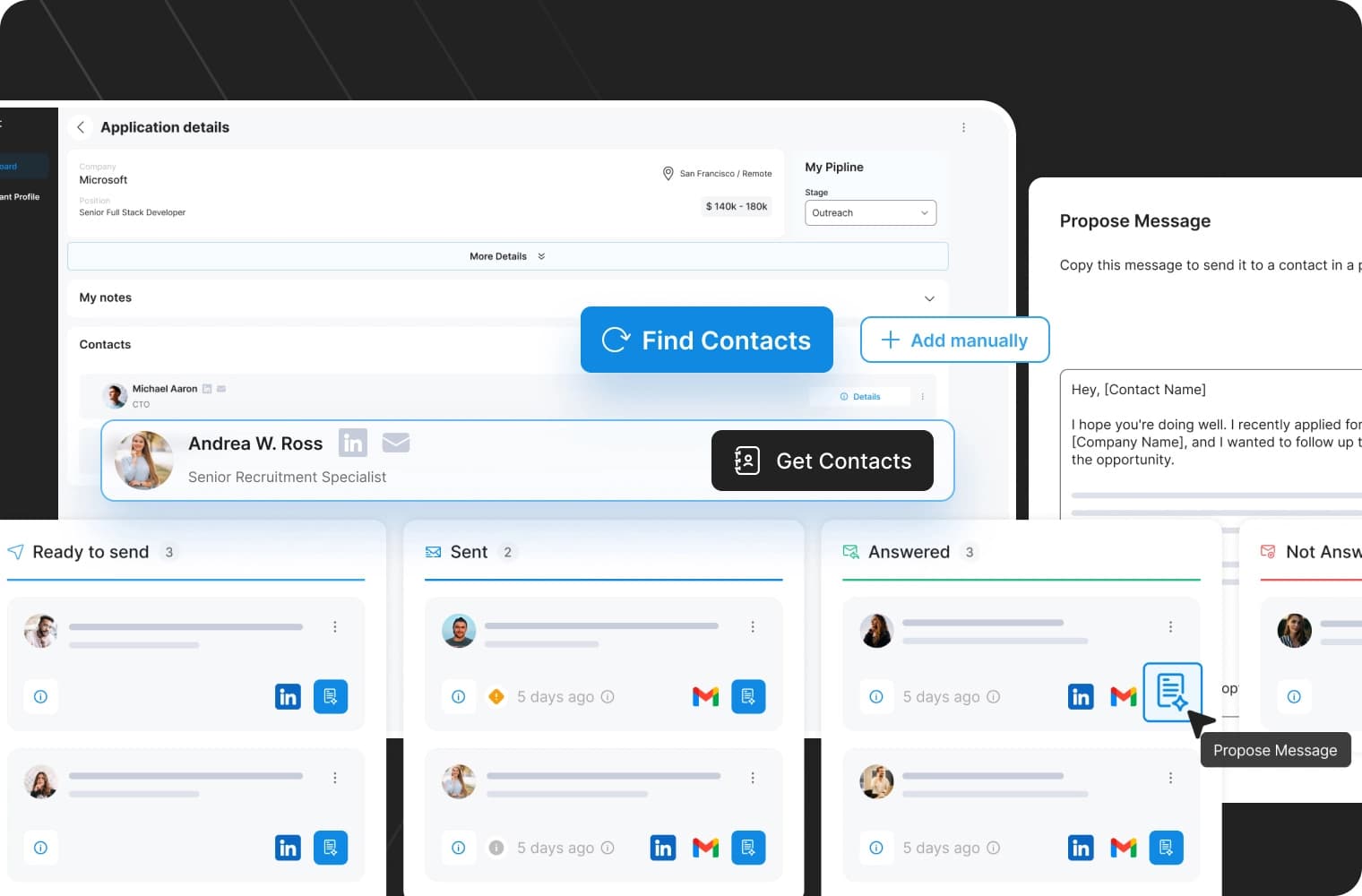
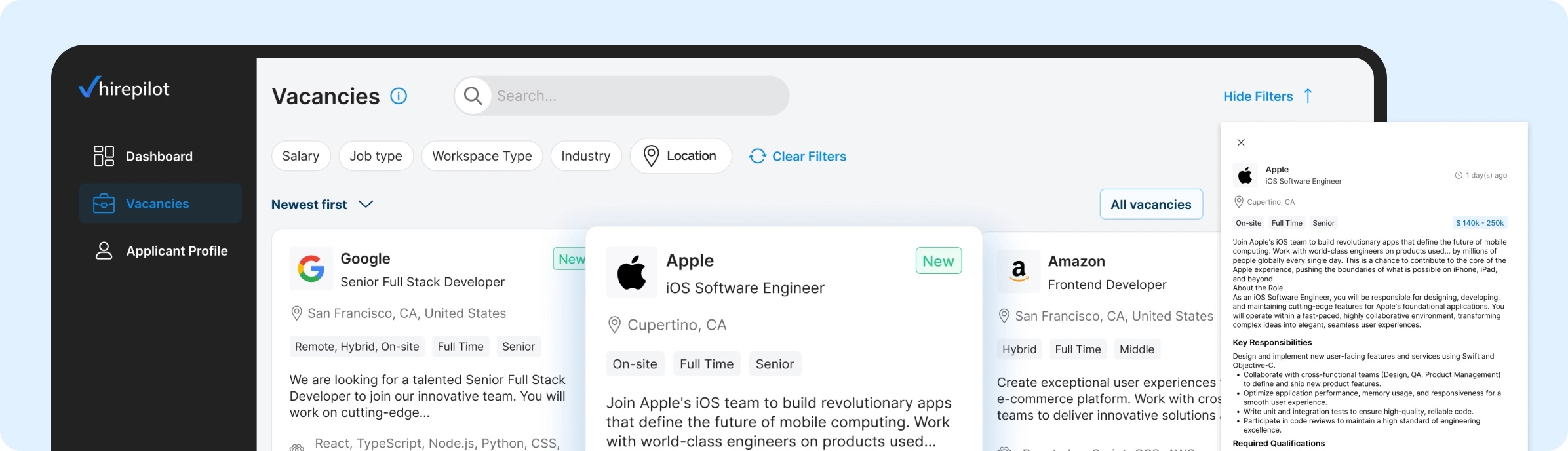
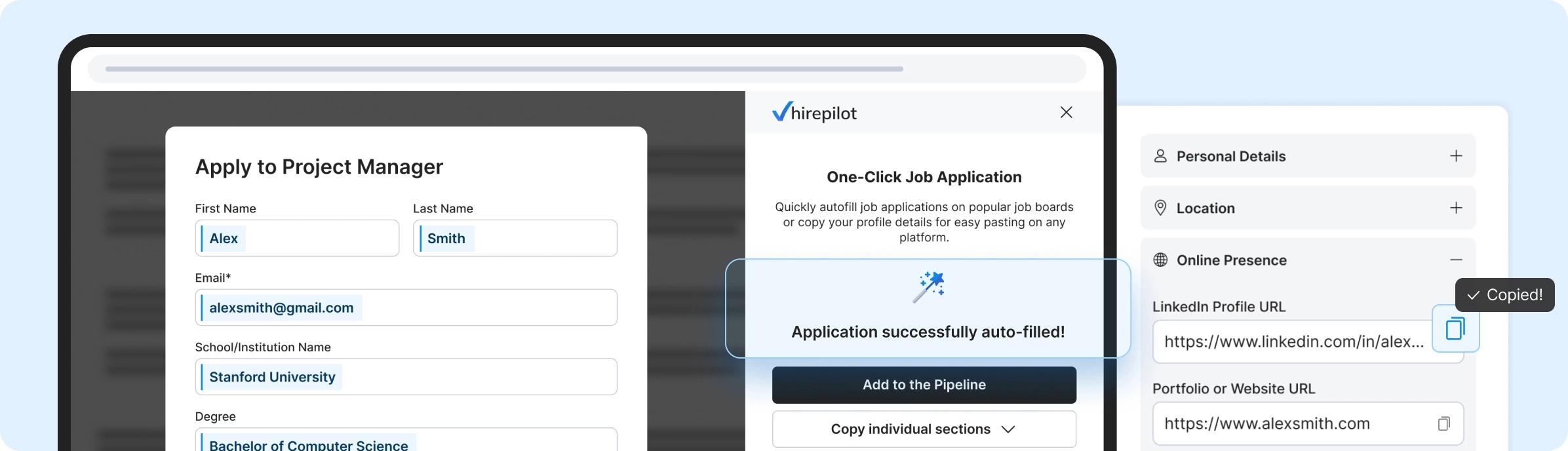
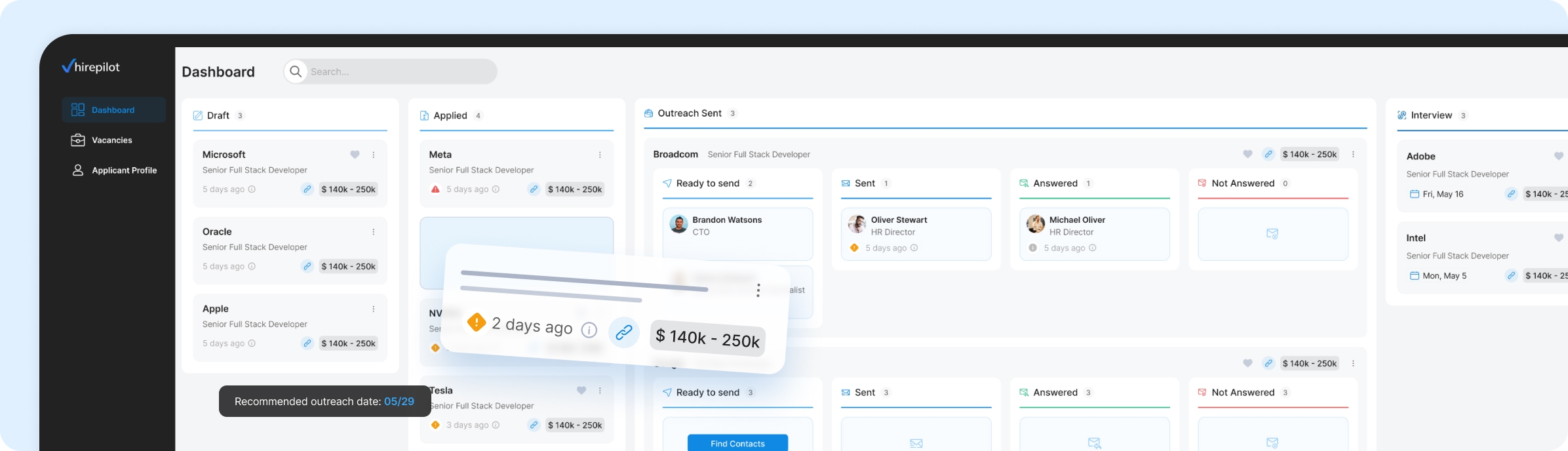
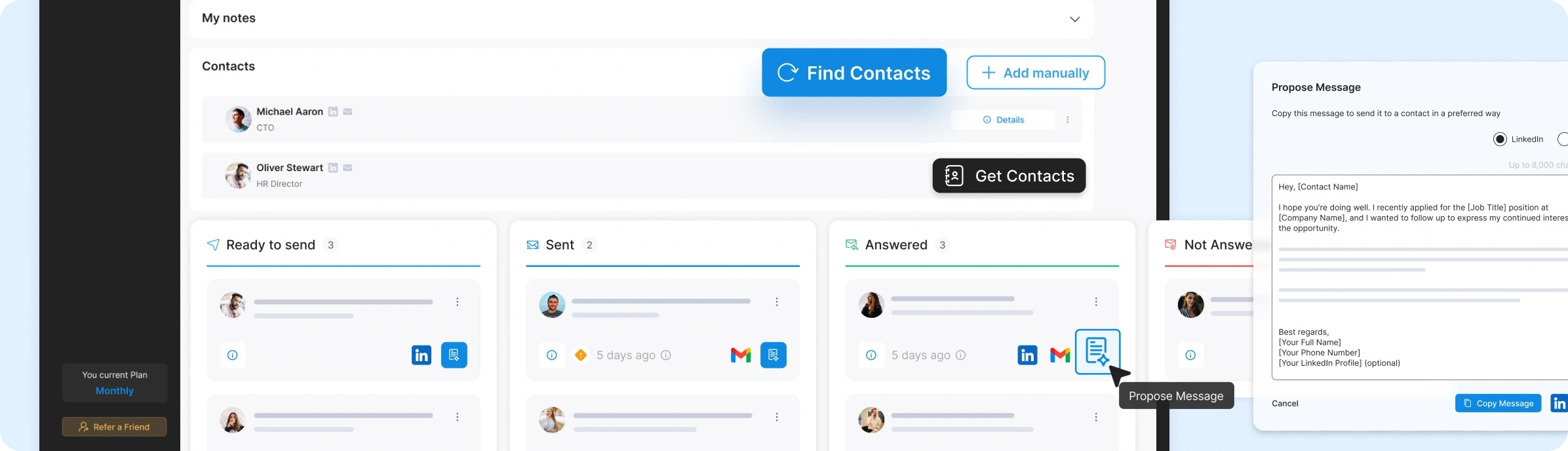
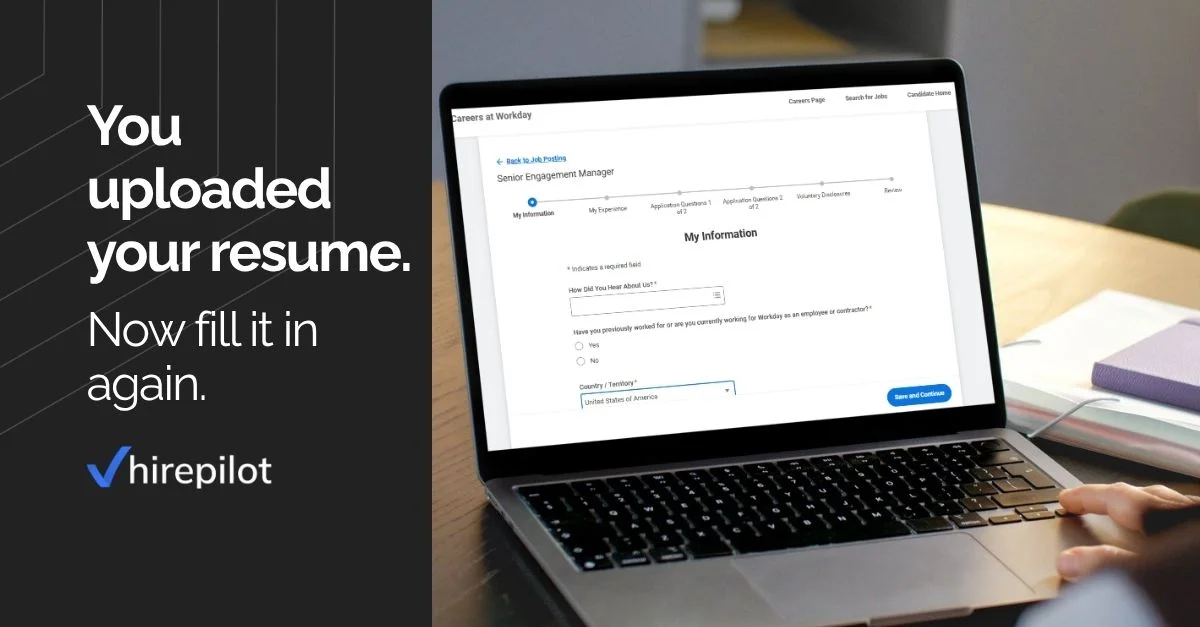
Apply for jobs on mobile using a long job application form

Your smartphone is your command center for almost everything, ordering food, booking trips, and catching up on news. It feels intuitive that your job hunt should live there too. But when it comes to the heavy lifting, the reality looks different. This question keeps coming up not just among job seekers, but also among builders designing “mobile-first” hiring flows, especially when looking at broader mobile vs desktop behavior across job applications. Are candidates actually clicking “submit” on their phones, or is the small screen just the starting line?

Short answer: people start job search on mobile, but rarely finish there

While mobile devices are the undisputed champions of quick browsing, they often fall short when it’s time to do the deep work of applying. Most candidates use their phones to scroll through listings and save interesting roles, treating the device as a discovery tool. However, when it comes to the actual submission, tailoring resumes and filling out complex forms, the majority switch to desktop. High intent doesn’t always equal mobile completion; the phone is where the spark happens, but the computer is where the work gets done.

Where job applications actually start vs where they finish

To understand if you should apply for jobs on mobile, we need to look at where the traffic comes from versus where the real action happens.

Mobile dominates discovery and early intent

Mobile behavior is characterized by “snackable” sessions. You might check LinkedIn while waiting for coffee or scroll through a job board during a commute. Our data indicates that while a significant portion of users land on career sites via mobile, their actions remain light—browsing titles, saving jobs for later, or clicking “Apply” just to see the requirements. According to GA4 data, mobile accounts for approximately ~22% of active users, proving it’s a vital channel for initial awareness.

Apply for jobs on mobile engagement compared to desktop based on Google Analytics data

Desktop dominates execution and completion

When the task shifts from looking to doing, the desktop takes over. Session lengths on desktop are significantly longer, and the “event density”, the number of meaningful interactions per visit, is much higher. This suggests that when candidates are ready to commit to an application, they prefer the stability, screen real estate, and keyboard functionality of a desktop environment.

What real usage data shows across devices

Engagement depth matters more than traffic share

It is easy to misinterpret the data if you only look at visitor numbers. While seeing ~22% of users on mobile might suggest a quarter of your applications should come from phones, that isn’t the case. Mobile users are often in a “low-commitment” state. They are filtering the noise. The conversion rate from a mobile visitor to a completed application is typically lower because the intent at that specific moment is often just to bookmark, not to finalize.

Market-level intent by device

What Google Ads keyword data reveals

When we look at high-intent search queries, phrases that signal someone is ready to act right now, like “apply for jobs online” or “job application form”, the prediction models tell a clear story. Google Ads Keyword Planner data forecasts show that clicks for these action-oriented terms are heavily skewed toward desktop devices. Even if the search volume exists on mobile, the clicks that lead to complex conversion actions predominantly happen on bigger screens.

Apply for jobs on mobile clicks compared to desktop using Google Ads keyword forecasts

Why “mobile-first” metrics often mislead

Focusing strictly on “mobile-first” metrics can paint an incomplete picture of mobile job applications. High mobile traffic numbers often mask a lack of follow-through. Just because a candidate found the job on their phone doesn’t mean they want to, or even can, apply there. Confusing browsing intent with application intent leads to frustration for both the job seeker trying to pinch-and-zoom through a PDF and the recruiter wondering why drop-off rates are so high.

Looking at engagement metrics alone, a clear pattern emerges.

Mobile is where intent forms.
Desktop is where commitment happens.

This distinction helps explain why mobile traffic numbers often look strong, while completion rates tell a different story

What builders and recruiters observe in practice

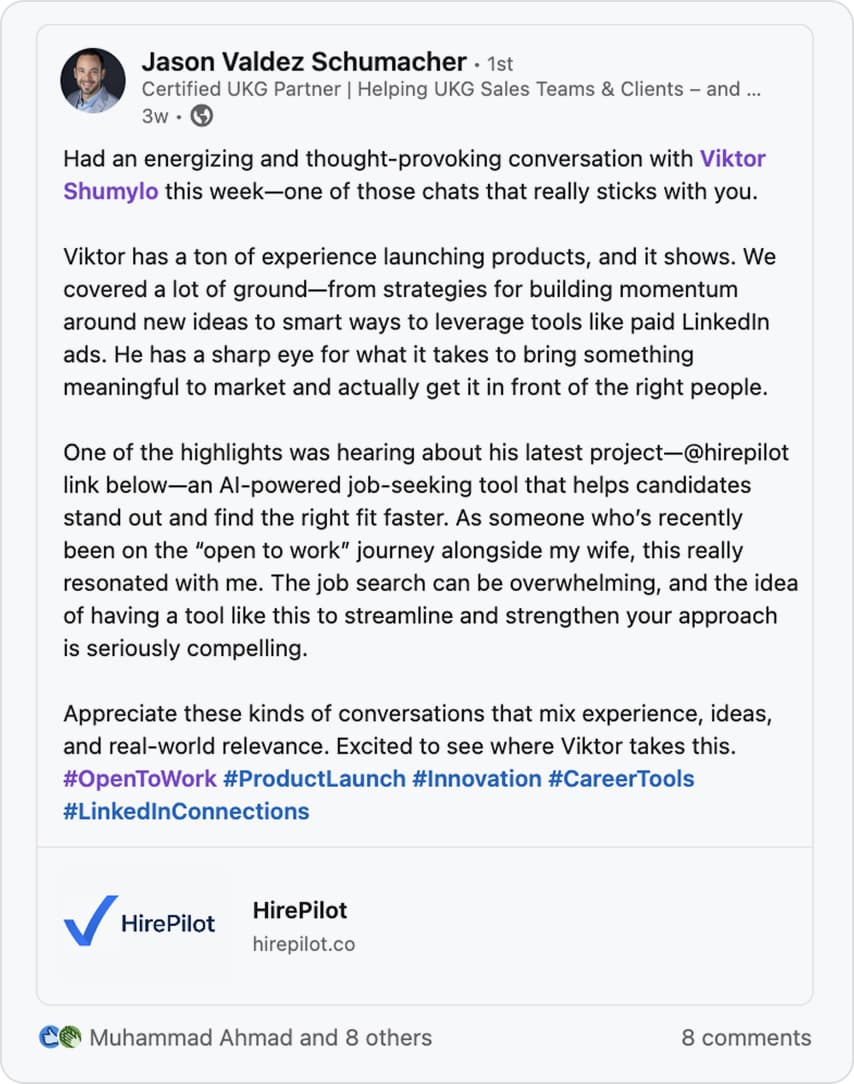
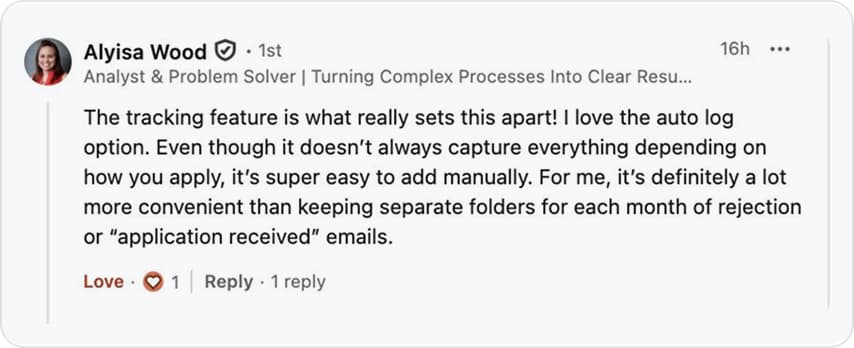
This gap shows up not only in analytics, but also in how people building hiring tools describe real user behavior.

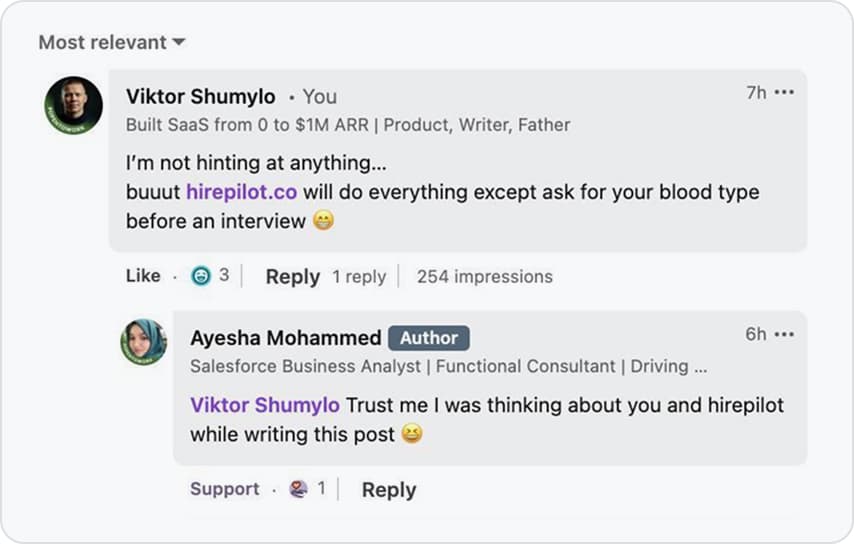
Product Hunt discussion about applying for jobs on mobile and real user behavior

We also raised this question in a Product Hunt thread to gather perspectives from product builders.

Mobile for discovery, desktop for commitment

Discussions among product builders reveal a “split state” in user behavior. Mobile is effectively used for discovery, scrolling feeds, saving interesting opportunities, and performing quick sanity checks on salaries or requirements. Desktop, conversely, is reserved for accuracy and evaluation. When accuracy matters, like ensuring your resume parses correctly or your cover letter has no typos, users naturally migrate to a device that supports detailed review.

The “small buys vs big buys” mental model

Think of a job application like an expensive purchase. You might buy a t-shirt (a “small buy”) on your phone without thinking twice. But for a car or a house (a “big buy”), you want to sit down, do your research, and focus. Applying for a job is a high-stakes decision. It requires a “sit-down mode” where you can concentrate. The desktop environment signals seriousness and allows you to enter a deep work state that a crowded subway train or a quick mobile session simply cannot provide.

When mobile applications actually work

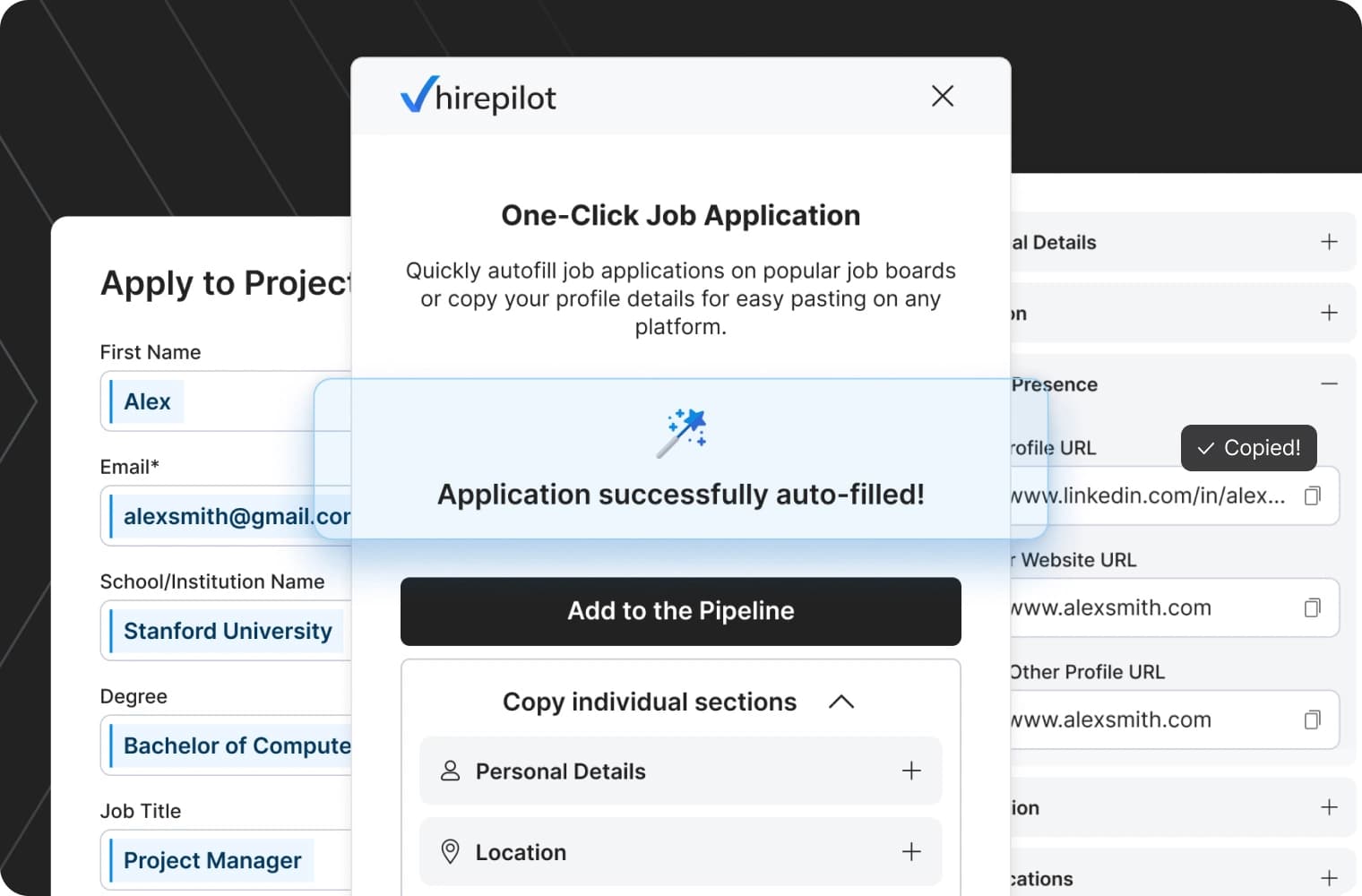
There is an exception to the rule. Apply for jobs on phone strategies work well when the friction is removed entirely. Builders note that mobile completion rates skyrocket when:

  • There are no lengthy forms to fill out.
  • “One-click apply” buttons are available.
  • Autofill functionality is near-perfect.
  • The interaction relies on tapping buttons rather than typing text.

What job seekers say when applying on mobile

To get the full picture of mobile vs desktop job applications, we have to listen to the candidates themselves.

We collected responses from polls across different job search subreddits and continue the research through an ongoing survey in our subreddit.

“I start on my phone, but I never finish there”

Job seekers openly admit that while their phone is their primary device for access, it is a secondary device for execution. A common sentiment is the “default to desktop” behavior. Candidates might start an application on mobile, realize they need to copy-paste data from a master document, tweak a resume version, or verify dates, and immediately stop. The lack of screen space and the clumsiness of text selection on touchscreens make the process feel risky and inefficient.

Anxiety and silent drop-offs

Beyond usability, there is an emotional component. Many candidates report feeling anxiety when applying on mobile. The fear of making a typo, uploading the wrong file, or losing progress if a tab reloads creates significant friction. Often, this results in a silent drop-off: “I just close the tab.” It’s not just about bad UX; it’s about the peace of mind that comes with seeing your whole application clearly on a monitor before you hit send.

So do people actually apply for jobs on mobile?

The answer is nuanced. Do people apply for jobs on mobile? Yes, but usually only when the process is incredibly simple (like an “Easy Apply” button). For the most part, mobile plays a critical role in discovery and intent gathering. It is the top of the funnel. However, the desktop still carries most of the completion weight when accuracy, focus, and context matter.

Why this distinction matters

Recognizing this behavior empowers you to optimize your strategy. It means mobile isn’t “bad,” and desktop isn’t “outdated.” They simply serve different roles in the same journey. You can use your phone to aggressively filter and save opportunities throughout the day, ensuring you never miss a new posting. Then, you can use your desktop time efficiently to execute high-quality applications for the roles you’ve already vetted.

This becomes clearer when we look at why mobile completion rates are lower.

FAQ: Do people actually apply for jobs on mobile? 

1. Can I apply for a job on mobile?

Yes, you can apply for a job on mobile, and many people do. Mobile devices are commonly used to browse listings, save roles, and start applications. However, most candidates still complete full applications on desktop, especially when forms are long or documents are required.

2. Do people apply for jobs on their mobile phone?

People often start the job application process on their mobile phone, but fewer finish it there. Mobile is mainly used for discovery and initial interest, while desktop is preferred for completing applications that require focus, typing, and file uploads.

3. How do you apply for jobs on a mobile phone?

Applying for jobs on a mobile phone usually works best through simplified flows such as “Easy Apply” buttons or profile-based applications. Traditional applications with long forms, resume uploads, or cover letters are harder to complete on mobile and are often postponed until desktop.

4. How to apply for a job on LinkedIn mobile?

On LinkedIn mobile, you can apply by opening a job listing and using the “Easy Apply” option if available. This allows you to submit your profile with minimal steps. Jobs that redirect to external application forms are more difficult to complete on mobile and are often finished later on desktop.

5. Is it better to apply for jobs on mobile or desktop?

It depends on the stage of the process. Mobile is better for browsing and discovering opportunities, while desktop is generally better for completing applications that require accuracy, document handling, and careful review.


Methodology note
This analysis combines GA4 usage data, Google Ads Keyword Planner device forecasts, qualitative Reddit discussions, and a Product Hunt discussion with job seekers, recruiters, and product builders. The goal was to identify behavior patterns, not universal rules.

Comments are closed.